Component Center
The Component Center manages authorization configurations for various third-party service components on the platform. After purchasing or self-deploying the corresponding service, fill in the service URL and key here to use those capabilities in workflows, knowledge bases, and other features.
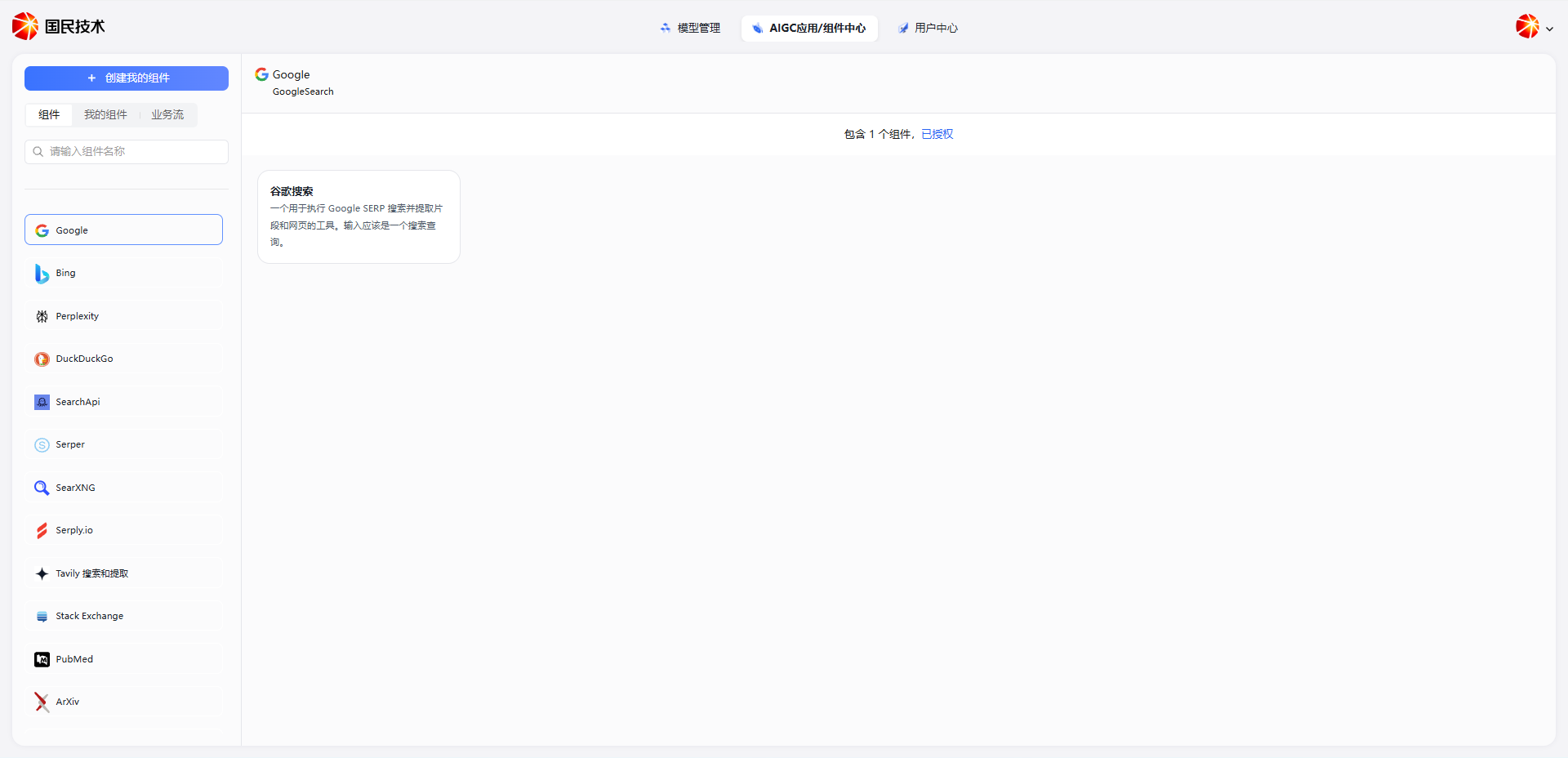
Authorize a Component
Click the Authorize button on a component card. Fill in the following information in the dialog to complete authorization:
| Field | Required | Description |
|---|---|---|
| Service URL | Yes | The access URL for the component service; provided by the vendor after purchase or deployment |
| API Key | Yes | The authentication key; provided by the vendor after purchase or deployment |
Click Confirm after filling in. The system will verify the connection. After successful authorization, the component status changes to Authorized and it can be used on the platform.
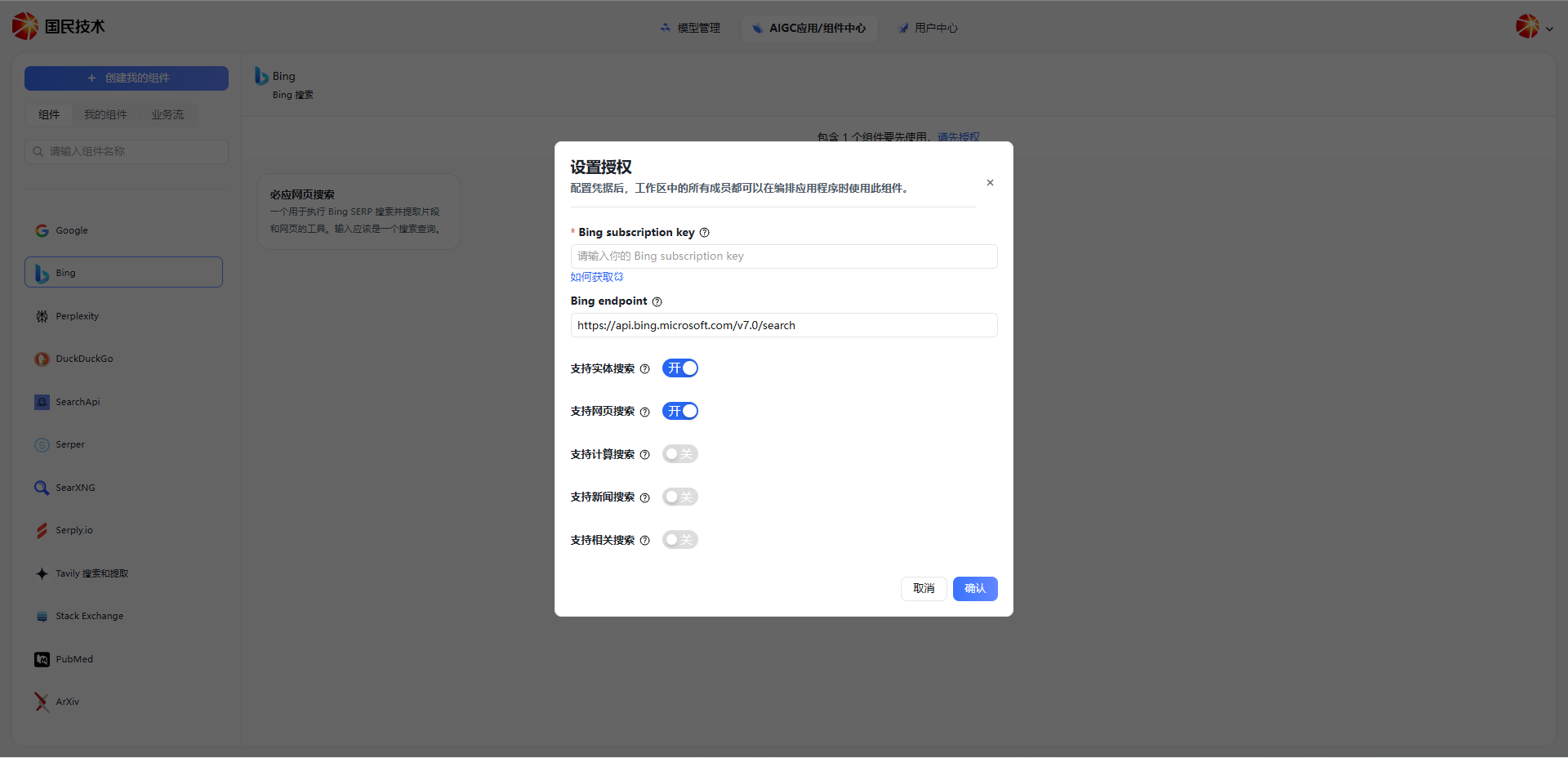
Tip: To update the service URL or key, click the Authorize button again and overwrite the existing values.
Getting the Service URL and Key
Depending on how you use the service:
- Purchased service — The vendor provides the service URL and API Key after purchase
- Self-deployed — After completing deployment per the service documentation, obtain the access URL and key from the service management console
Note: Keep your API Key secure and avoid leaking it. If the key expires or changes, re-authorize in the Component Center.