Company Info
The Company Info page is used to configure the platform's basic information, branding, and login page style. Fill in the details and click Save to apply.
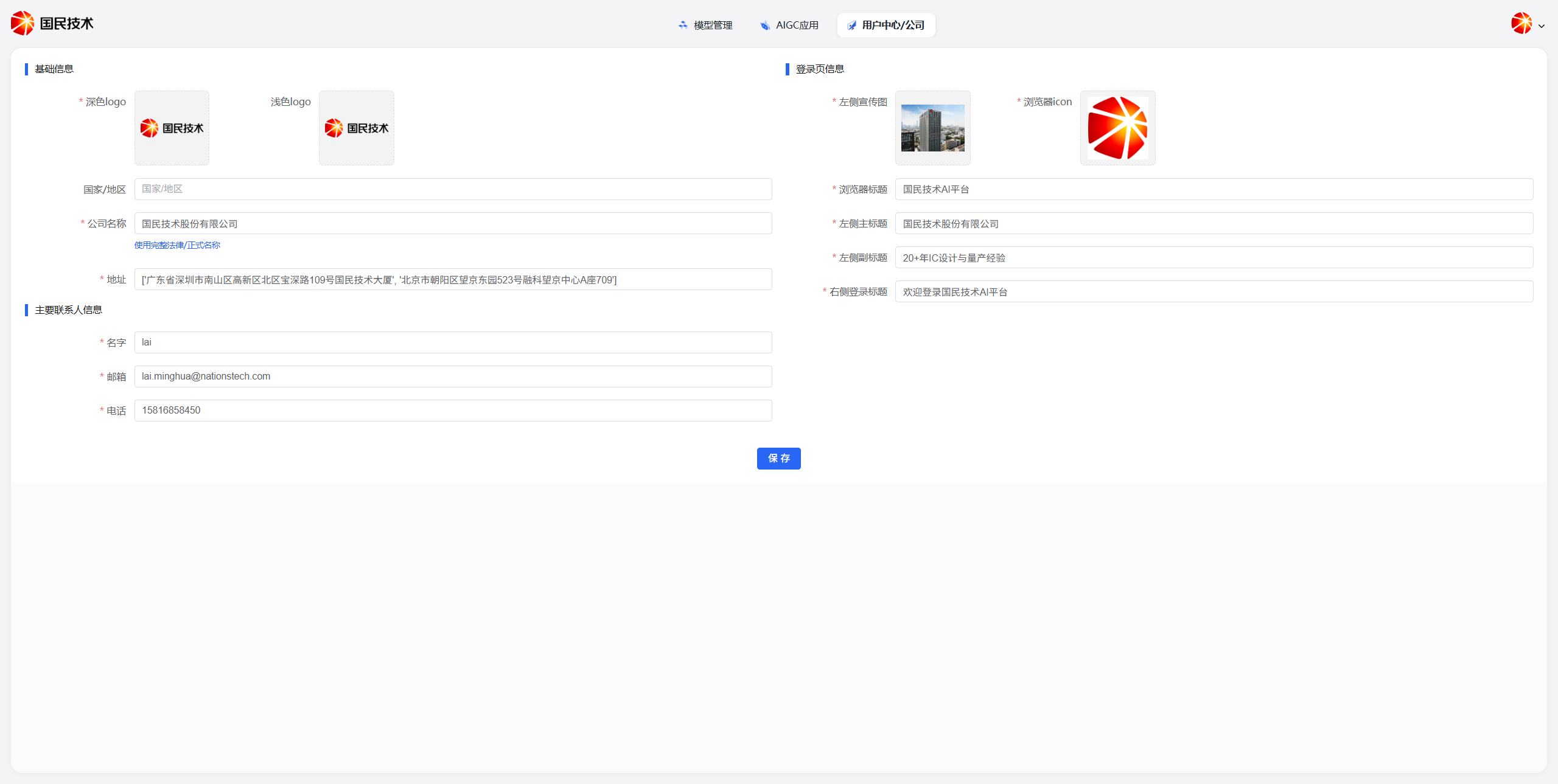
Basic Information
| Field | Description |
|---|---|
| Dark Logo | Brand logo displayed on dark backgrounds |
| Light Logo | Brand logo displayed on light backgrounds |
| Country/Region | The country or region where the company is located |
| Company Name | Full company name; supports switching between abbreviated / formal name display |
| Address | Company registered or office address; multiple addresses supported |
Primary Contact Information
| Field | Description |
|---|---|
| Name | Primary contact's name |
| Contact's email address | |
| Phone | Contact's mobile or office phone number |
Login Page Information
Login page information customizes the visual style and copy of the user login interface.
| Field | Description |
|---|---|
| Left Banner Image | Promotional image displayed on the left side of the login page |
| Browser Icon | Website favicon displayed in the browser tab |
| Browser Title | Title text displayed in the browser tab |
| Left Main Title | Main headline on the left side of the login page |
| Left Subtitle | Subtitle on the left side of the login page |
| Right Login Title | Welcome message or title above the login form |
Save
After filling in all fields, click the Save button at the bottom of the page to apply the configuration.