Knowledge Review
This section explains how to review and edit recycled Q&A content and officially add it to the QA knowledge base.
Steps
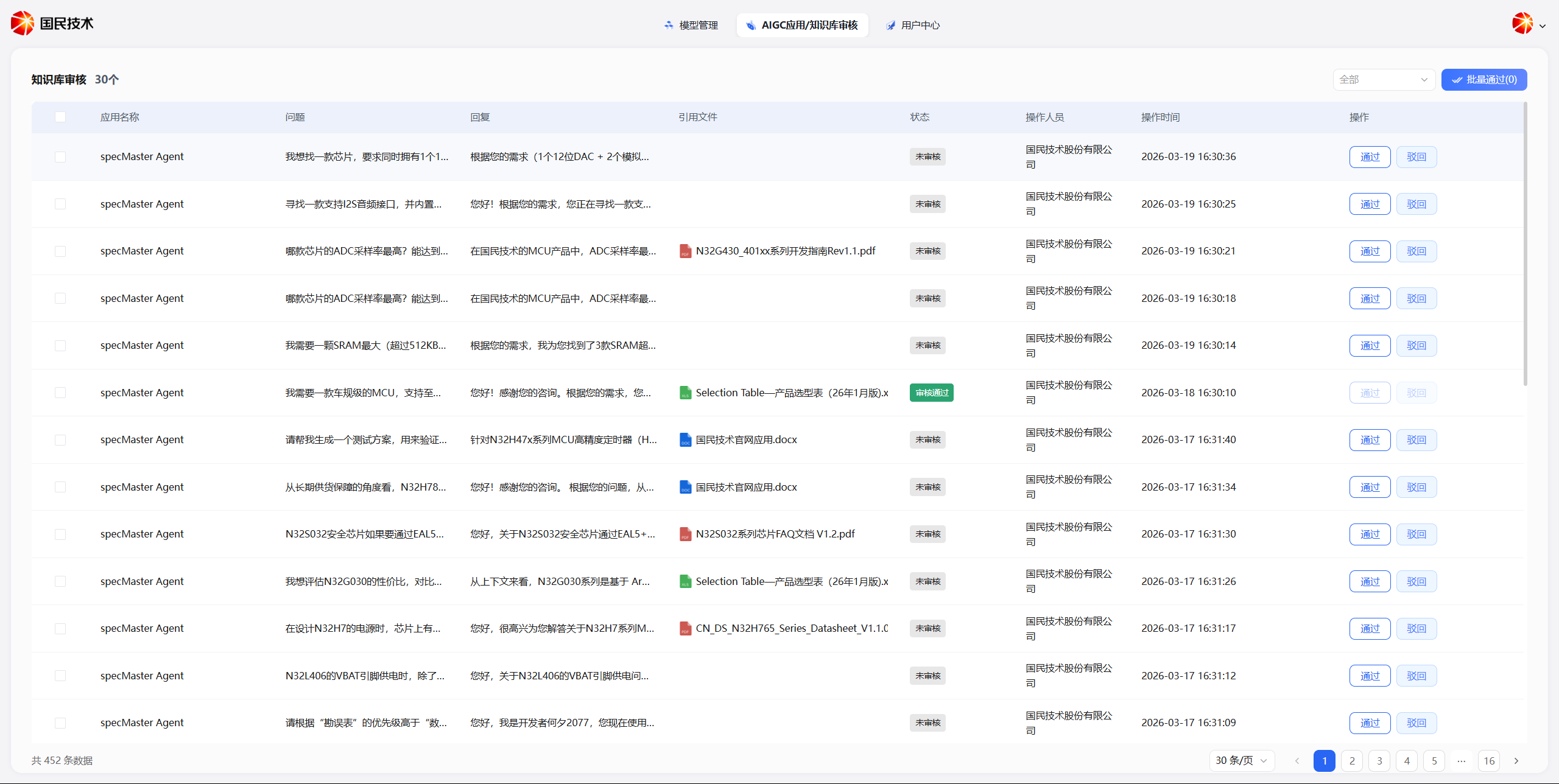
Step 1: Enter the Knowledge Review Interface
Users with the appropriate permissions can click to enter the Knowledge Recycling Review interface in the admin console.
Step 2: View Recycled Records
The interface displays all synced message recycling records. Browse through them one by one and assess content quality.
Step 3: Edit and Save
If you need to fine-tune an answer, click the Edit button on the corresponding entry to make changes.
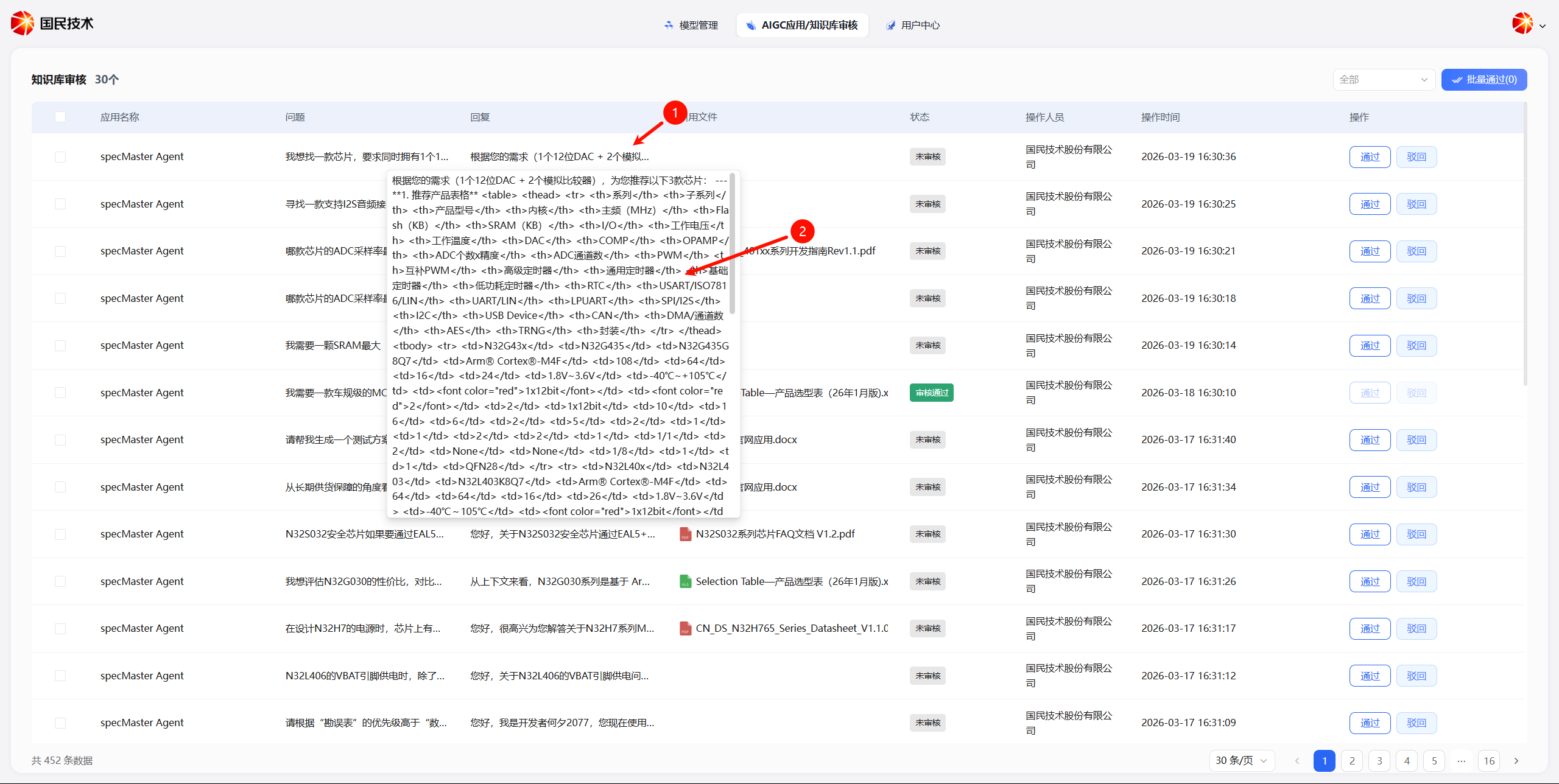
After editing, click Save to officially add the content to the knowledge base.